
How to Use a Password Manager Step by Step
Let’s walk through exactly how to use a password manager step by step, in plain English, no tech degree required.
 David Chen
6 min read
All guides
Plain-English answers to the security questions we get asked most — passkeys, breach response, and what a "free tier" actually covers.
Let’s walk through exactly how to use a password manager step by step, in plain English, no tech degree required.
David Chen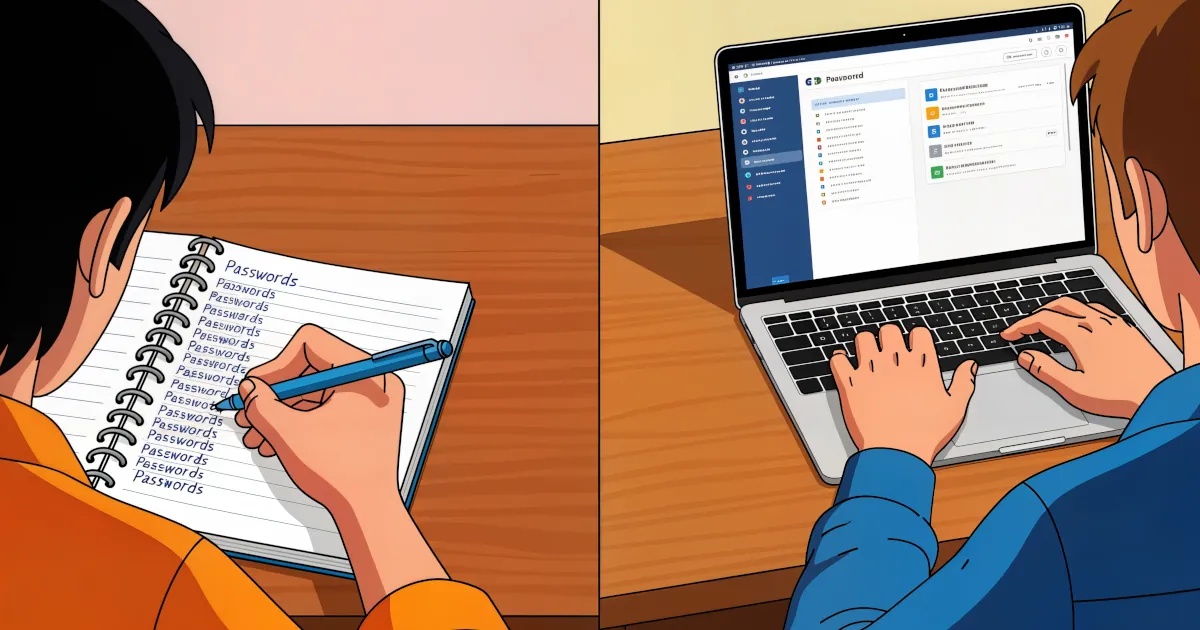
Modern life in one sentence: you need a password for everything. Banking, email, streaming, shopping, gaming, work accounts, your smart fridge… it never ends.
 Sarah Mitchell
We all know we should use strong, unique passwords for every account. We also know almost nobody actually does that without help.
David Chen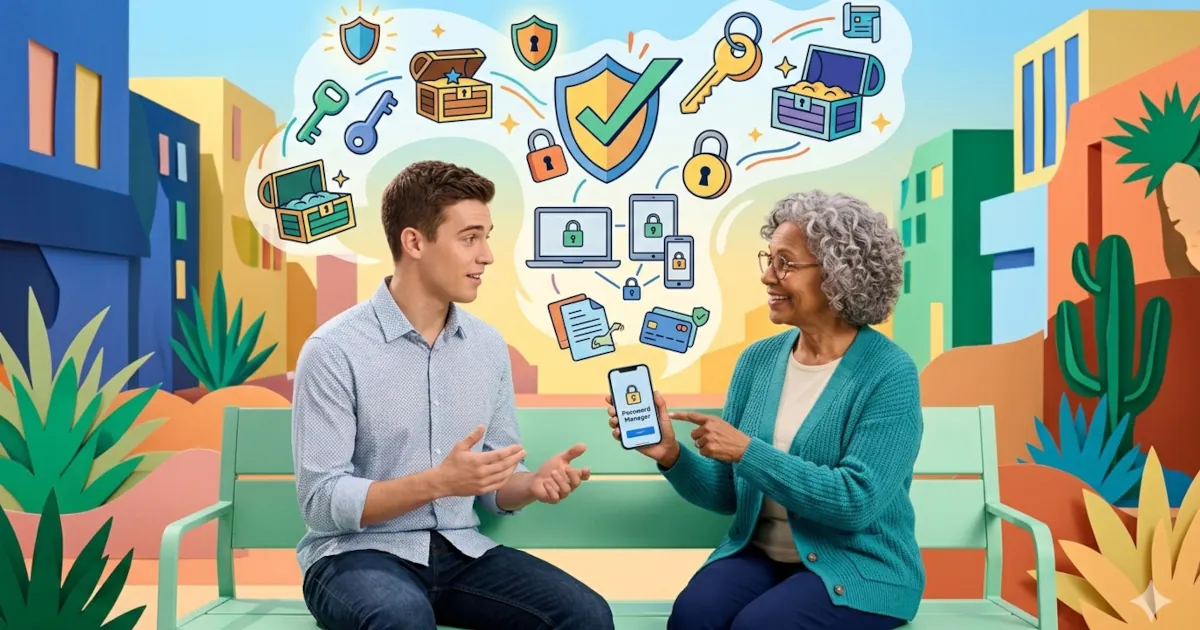
In this article, we’ll walk through why you should use a password manager today, in plain English, no scare tactics, no jargon. Just real reasons, real benefits, and how it actually makes your life easier.
 Emma Rodriguez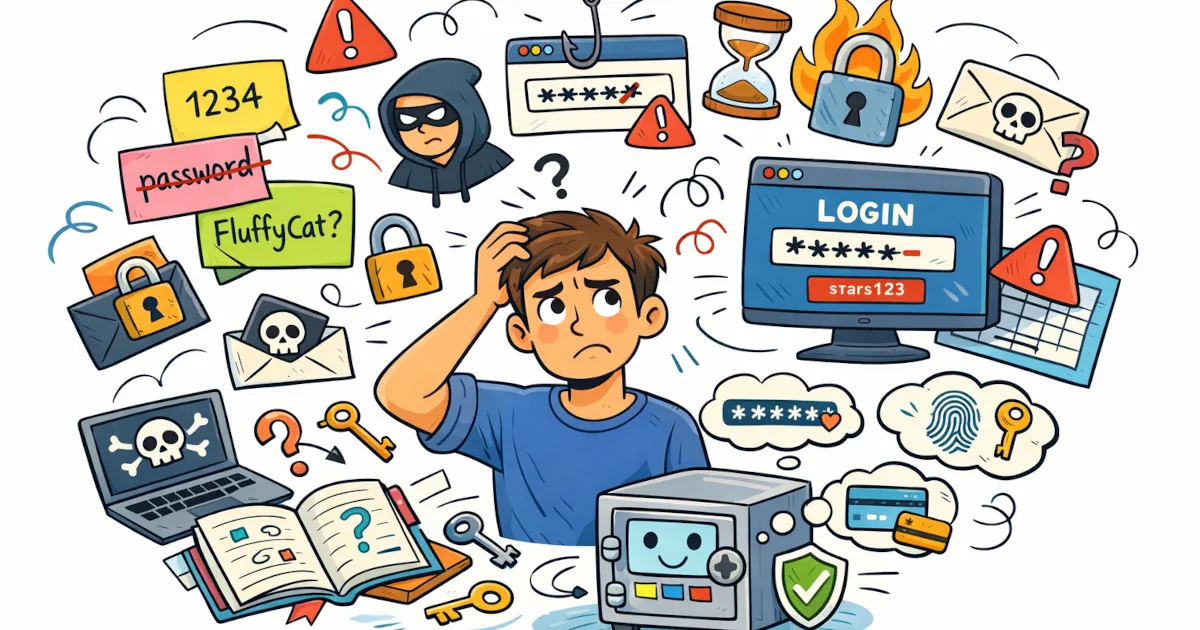
You’ve probably heard people say “You should use a password manager,” and then… never really explain what that means.
Sarah Mitchell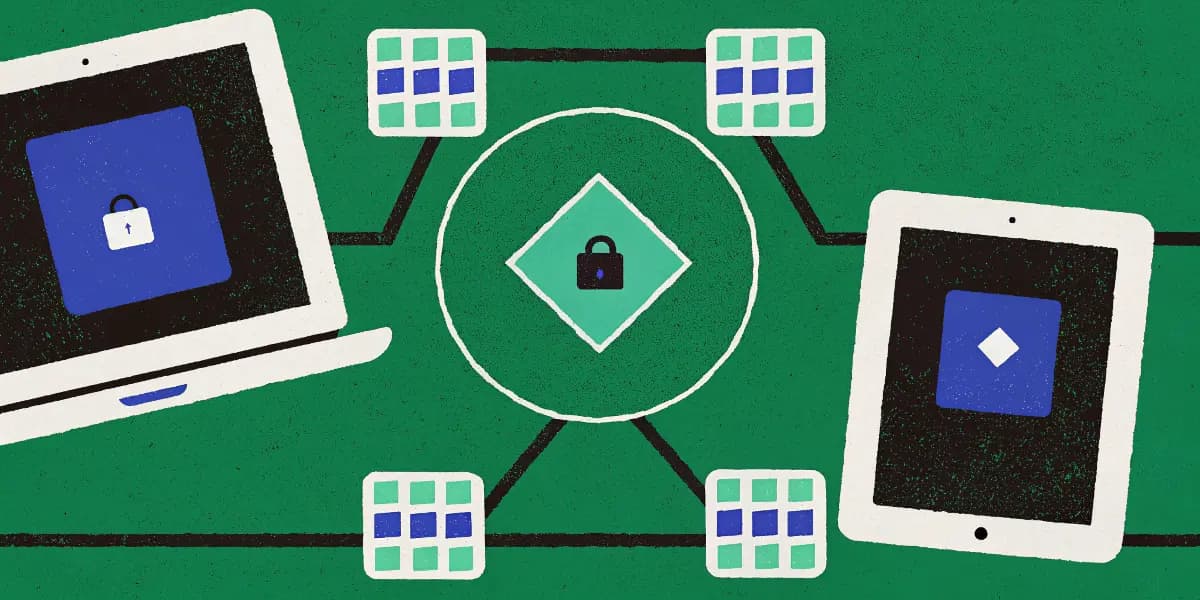
Juggling passwords across your phone, tablet, and PC can feel like a full‑time job. Different logins, random notes, “temporary” spreadsheets, and that one password you definitely remember… until you don’t.
Emma Rodriguez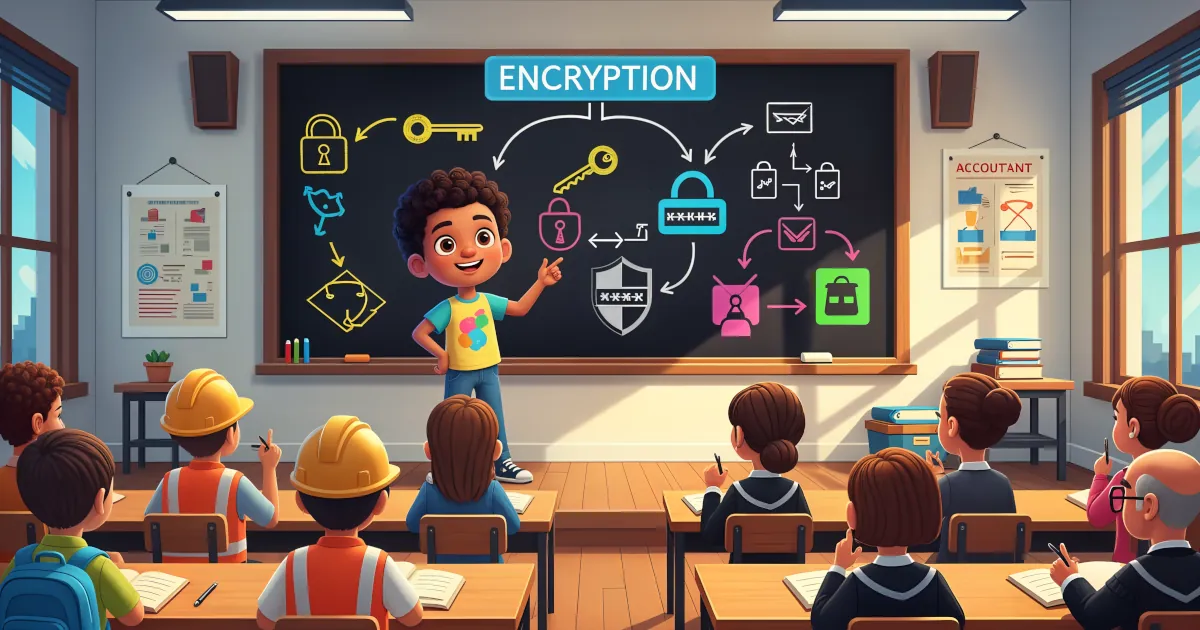
If the word “encryption” makes your brain want to check out, you’re not alone. It sounds like something only hackers in hoodies and government agencies deal with.
David Chen
If you use a password manager (and you really should), there’s one password that rules them all: your master password.
David Chen
If you’re finally using a password manager: excellent choice. Strong, unique passwords for every account is one of the best things you can do for your security.
David Chen
Passwords have had a good run… and a terrible one. You forget them. Sites make you add symbols, numbers, ancient runes. Then they get leaked in a data breach anyway.
Emma Rodriguez
Phishing is the online version of someone calling you, pretending to be your bank, and asking for your PIN “for security reasons.” You’d hang up in real life. But online? People fall for it every day.
David Chen
If you’re still using the same password for multiple accounts… it’s time for an intervention.
David Chen