
Why Unique Passwords Matter and How to Manage Them
Let’s be honest—we’ve all done it. You needed to sign up for a new website, and instead of thinking up a new password, you used the one you always use. Maybe it’s your dog’s name, your birth year, or the classic "Password123." It’s easy to remember, and hey, nothing bad has happened so far, right?
Well, sit tight because we're diving deep into why unique passwords really matter and just how easy it can be to manage them. Spoiler alert: Your digital safety could depend on it.
The Password Problem: Why Reusing is Risky
We live in an age where everything is digital—our bank accounts, emails, social media, even our smart doorbells. And every one of these services demands a password. The problem is, human memory isn't made to remember 50 strong, unique passwords.
So, what happens?
We take the path of least resistance. We reuse passwords across multiple accounts or slightly modify one basic password to create others (like fido123, fido124, fido125).
But here’s where things go south.
All it takes is one data breach.
Imagine this scenario:
- You use the same password for your Netflix account, your email, and your online shopping profiles.
- Netflix gets hacked (hypothetically), and your login credentials are leaked online.
- Hackers try your Netflix email and password combo on popular websites.
- Boom. Now your email is compromised. Your PayPal. Your whole digital life.
This technique is known as "credential stuffing," and cybercriminals love it because it works. One breach can lead to a domino effect of account takeovers if you’ve reused passwords.
The Benefits of Using Unique Passwords
Using different passwords for each account feels like a lot of work, but the benefits are massive:
1. Limit the Damage of a Data Breach
If one site gets hacked, only that specific account is vulnerable. The rest of your digital world remains unharmed.
2. Stop Hackers in Their Tracks
Hackers exploit predictability. If you have a unique password for each site, they can't use what they learn from one site to access another.
3. Protect Your Identity
Identity theft isn’t just a buzzword. Having compromised accounts can lead to monetary theft, credit score issues, or full-scale identity fraud. Unique passwords are like locks on different doors.
4. You’ll Appear Way Cooler at Tech Events
Okay, maybe not. But you will know what you’re doing, and that's something to feel good about.
Now that we know why unique passwords are key, let’s talk about how to make the whole process painless.
How the Heck Do You Manage All These Passwords?
You don’t have to become a memory wizard or write sticky notes all over your house. The answer is simple: password managers.
What’s a Password Manager?
A password manager is a tool (app, browser extension, or software) that stores your passwords securely and helps you create strong, unique ones for every site. You only need to remember one master password to unlock your password vault.
Popular password managers include:
Most of these tools are available across devices and browsers. So whether you're logging in from your laptop, tablet, or phone, your passwords are just a secure click away.
Benefits of Password Managers
They Generate Strong Passwords for You
A good password manager can generate crazy complex passwords like Tg!7jsP0x#3vK—and you don’t even have to memorize them!
They Autofill Login Forms
No more typing a long string of gibberish. Your password manager fills in your username and password for you with one click.
They Store More Than Just Passwords
Many password managers also store credit card info, secure notes, and even two-factor authentication tokens.
They Alert You to Data Breaches
Some premium services notify you when a saved account is involved in a breach, helping you act fast by changing your password.
They Save Time
You don’t have to waste time resetting forgotten passwords or doing the old “incorrect password – try again” dance.
Tips for Using Password Managers
If you decide to (finally) start using a password manager—and you should!—here are a few tips to make it a smooth ride:
Choose a Strong Master Password
This is the one password you do need to remember, so make it strong and unique. Avoid birthdays, pets’ names, or common phrases.Enable Two-Factor Authentication (2FA)
Most password managers support 2FA. This adds a second layer of protection even if someone gets your master password.Keep Your App Updated
Security flaws are addressed in updates. Staying current ensures you’re protected with the latest features and fixes.Audit Your Existing Passwords
Most password managers help you discover weak, reused, or compromised passwords. It can be a wake-up call!Back It Up
Many password managers offer secure cloud sync, but it’s a good idea to occasionally back up your vault, just in case.
Common Password Mistakes to Avoid
Even with the best tools in the world, human error still plays a role. Watch out for these common pitfalls:
- Using simple passwords like ‘123456’ or ‘qwerty’
- Recycling passwords across different sites
- Storing passwords in a browser without extra security
- Writing passwords on paper or sticky notes
- Sharing passwords via email or text messages
With a password manager, you can avoid all of the above and adopt a “set it and forget it” security approach. One less thing to worry about!
What Makes a Good Password Anyway?
If you ever need to come up with a password yourself and you’re not using a generator, here’s a quick formula:
Length > Complexity
Aim for at least 12 characters. Mix uppercase, lowercase, numbers, and special characters. A good example might be something like:
Th!5IsR3allyG00d
Or use a passphrase—a series of random unrelated words, like:
HorseBatteryStapleMesa!
Just make sure it’s not common, guessable, or related to you personally (no birthdays or dog names!).
Wrapping Up: Why It’s Worth the Effort
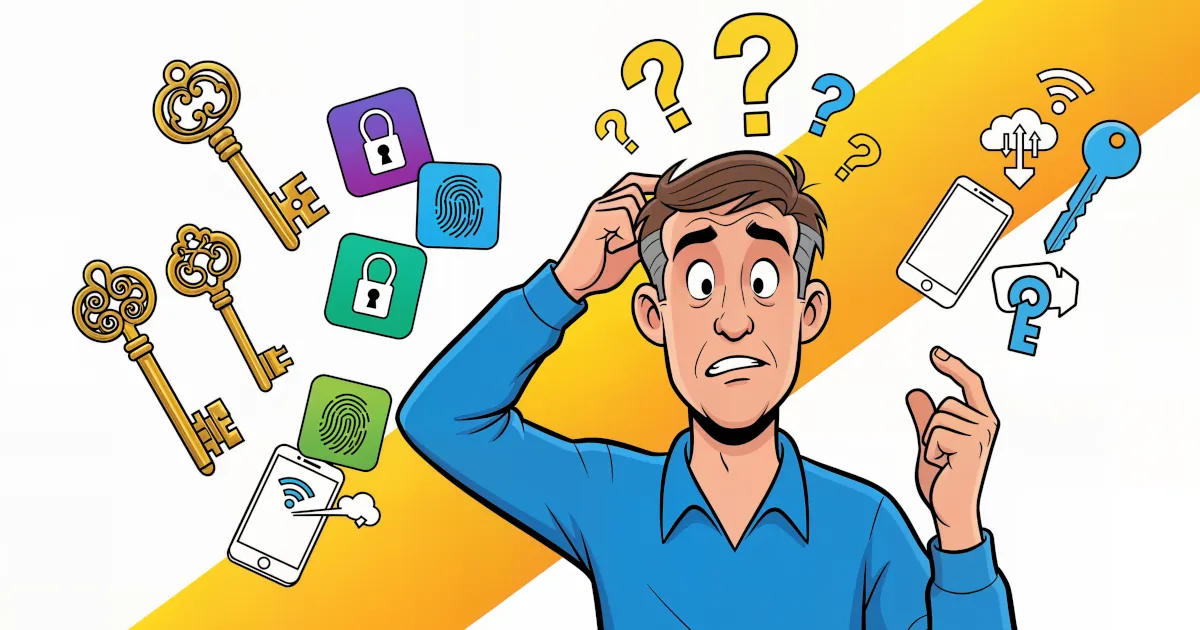
Passwords are the keys to your digital kingdom. And in today’s world, we each have a LOT of keys.
Reusing passwords is like using the same key for your house, car, office, gym locker, and secret vault. If someone finds that one key, they get everything.
But using unique passwords is like having a separate, specialized key for each lock. Even if one gets lost, the others are safe.
And thanks to password managers, managing all these keys is actually easier than ever. One app, one password, and you're golden.
So don’t wait for your Netflix account to get hacked before you take action. Update your habits now, and your future self will thank you.