
Password Managers vs Password Books Explained
Password Managers vs Password Books Explained
Let’s be honest: remembering dozens of unique, complex passwords for every app, website, and service you use is basically impossible… unless you’re some kind of memory wizard. The rest of us? We’re either scrambling through sticky notes full of scribbles or, better yet, relying on tools designed for this very problem.
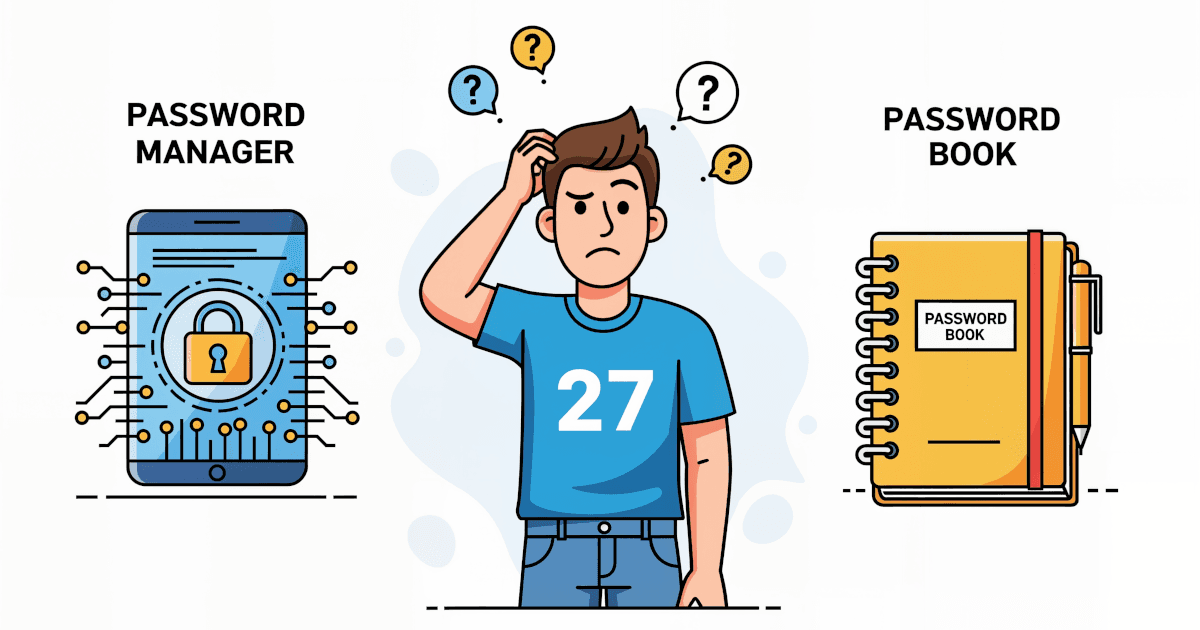
In this guide, we’re diving headfirst into the showdown of the century: Password Managers vs Password Books. One is high-tech, the other old-school. One fits in your pocket (or even your brain if you're committed), the other lives on your devices. Let’s break it down simply and clearly to help you decide what side of the password protection battle you should be on.
What Are We Comparing?
Before we dive into pros and cons, let’s get our definitions straight.
Password Books: These are physical notebooks or pre-formatted books where you jot down all your usernames and passwords by hand. Think of it as a diary of digital access, sitting on your desk (or hidden in your drawer, if you're smart).
Password Managers: These are apps or software tools that store all your passwords in one encrypted vault. All you need is one master password, and the service remembers the rest. Most come with browser extensions, mobile apps, and even password generators.
Now let’s look at how these two stack up in key areas: Security, Convenience, Cost, Accessibility, and Long-Term Usability.
Security: Digital Locks vs. A Closet Key
Password Book:
- Pros: Immune to hacking remotely. If nobody knows where the book is, nobody can steal your info.
- Cons: If you lose it or if someone physically steals it—game over. No encryption, no protection. Just wide-open text on a page.
Password Manager:
- Pros: Encrypted storage with serious security tech (think military-grade kind of encryption). Many offer multi-factor authentication and alerts for compromised passwords.
- Cons: Potential target for cyber attacks. But with proper setup (like enabling 2FA), it's insanely hard for hackers to crack.
Winner: Password Managers. Physical books can't compete with encryption and layered security defenses.
Convenience: Quick Clicks or Page Flipping?
Password Book:
- Pros: Always accessible if you have it with you. No batteries, no loading screens, no tech issues.
- Cons: You manually have to write, update, and find each password. If you’re logging into an account five times a day, it gets old fast.
Password Manager:
- Pros: Autofill your login credentials on any device. Sync across browsers and phones. Generate strong passwords instantly. Done.
- Cons: Has a bit of a learning curve if you've never used one. Needs internet connection for some features.
Winner: Password Managers. You can save hours every week by not typing and retyping passwords!
Cost: What's the Price of Peace of Mind?
Password Book:
- Pros: Dirt cheap. Buy once and you’re done.
- Cons: No ongoing updates or support. If it wears out or goes missing, it's on you.
Password Manager:
- Pros: Lots of great free options (like Bitwarden and LastPass Free). Paid versions unlock premium features like advanced sharing, family accounts, and breach monitoring.
- Cons: Some of the more feature-rich options can cost $12–60 per year. Still cheaper than dealing with identity theft.
Winner: Tie. For pure price, books win. For value and peace of mind, managers are worth every cent.
Accessibility: Where's My Password?
Password Book:
- Pros: Doesn’t rely on internet or power. You always know where it is—hopefully.
- Cons: Can't access passwords remotely unless you carry it everywhere. Forget it at home? Too bad.
Password Manager:
- Pros: Syncs across all your devices—phone, laptop, tablet—even your smart fridge if that's your thing.
- Cons: You’ll need your master password for access. Lose it and your recovery options might be limited.
Winner: Password Managers. The flexibility of accessing anywhere, anytime just can’t be beaten.
Long-Term Usability & Maintenance
Password Book:
- Pros: Simple. No updates, no crashes.
- Cons: Becomes outdated fast. You’ll be scratching out old passwords, adding sticky notes for overflow, or starting a new one every year.
Password Manager:
- Pros: Automatically updated when you change passwords. Import new login info as you sign up for stuff. All changes saved seamlessly.
- Cons: May become bloated if not cleaned up now and then. But that’s nothing a digital declutter can’t fix.
Winner: Password Managers. Set it and forget it.
Additional Benefits of Password Managers
You might be thinking at this point: “Alright, password managers are clearly more powerful, but are they worth the switch from my trusty notebook?” Here are a few more perks that might convince you:
1. Security Alerts & Breach Monitoring
Most managers will notify you if one of your saved websites suffers a data breach or if your credentials have appeared on the dark web.
2. Strong Password Generation
Instead of “Fluffy2020”, you’ll get “Z9#vB$8QtrLk” with a click—and never have to remember it.
3. Secure Sharing
Need to share access with a spouse, coworker, or family member? Managers like 1Password and LastPass let you securely share logins without revealing the actual password.
4. Cross-Platform Support
It doesn’t matter if you’re team iPhone or Android, Windows or macOS. Your manager works everywhere and syncs in real time.
5. Multi-Factor Authentication (MFA)
Most password managers support and even help manage MFA tokens, adding yet another wall between hackers and your sensitive info.
Popular Password Managers (Spoiler: Most Are Great)
If you’re ready to dive in, here are a few top-rated tools worth checking out:
| Password Manager | Free Version? | Highlights |
|---|---|---|
| 1Password | No | Great interface, vault structure, travel mode |
| LastPass | Yes | Easy to use, autofill, free tier available |
| Bitwarden | Yes | Open-source, super secure, great for geeks |
| Dashlane | Yes | Offers a password health report |
| NordPass | Yes | Simple sliders, strong security, smooth UI |
What suits you best depends on what you need. For families or teams? Look at 1Password or Dashlane. Want something fully free and open-source? Bitwarden has your back.
Final Verdict: Which Should You Choose?
If you like paper, structure, and don’t mind manual work, then a password book might still work for you. Just be careful where you store it and treat it like the keys to your digital castle.
But if you value security, automations, and accessing your passwords anytime, anywhere, a password manager is the obvious next step.
The best part? You don’t need to be tech-savvy. Most managers walk you through the setup with helpful tips and FAQs. Once you’re in the habit, you’ll wonder how you lived without one.
Pro Tip Before You Switch
Make sure to:
- Create a strong master password — this is the key to your password vault.
- Enable two-factor authentication.
- Export and destroy your old password book (after transferring everything, of course!).
In Summary
| Feature | Password Book | Password Manager |
|---|---|---|
| Security | Low | High |
| Convenience | Low | High |
| Accessibility | Low | High |
| Cost | Low | Low–Medium |
| Long-Term Usability | Medium | High |