
What is a Password Manager?
Have you ever forgotten a password five minutes after creating it? Or maybe you're still using the same password for all your accounts (tsk, tsk... no judgment, we've all been there). If that’s you, it might be time to meet your new security sidekick — the password manager.
Today we’re going to break down how password managers keep your digital life locked down tight using encryption, easy-to-use features, and a whole lot of cyber smarts. We promise to keep it simple and fun — no geek speak (well, maybe just a little).
What Exactly Is a Password Manager?
In plain English: A password manager is like a digital vault for your passwords.
Instead of trying to remember the 28 passwords you’ve made over the years (or worse, using "password123"), a password manager stores all of them for you. You only need to remember one strong master password, and the manager handles the rest.
Sounds magical, right? That’s because it kinda is!
How Do Password Managers Keep Your Data Safe?
Let’s get to the good stuff. Password managers don’t just store your passwords under a digital mattress — they lock them up using top-tier encryption. But what does that mean?
1. AES-256 Encryption (aka the Fort Knox of Security)
Most password managers use AES-256 (Advanced Encryption Standard) to scramble your data. That means even if someone managed to sneak into the system, all they'd see would be a bunch of unreadable gibberish.
Fun fact: AES-256 is so strong that even the U.S. government uses it to protect classified information. Yep, your Netflix login might be safer than some state secrets.
2. Zero-Knowledge Architecture
Here’s where things get really clever. Most top-notch password managers use something called zero-knowledge architecture. Translation? Even the company itself can't see your passwords or data.
So if the password manager got hacked (not ideal, but it happens), there’s nothing useful for hackers to steal. Your data is encrypted on your device before it ever leaves it—meaning you are the only one who can unlock it.
3. Biometric and 2FA Support
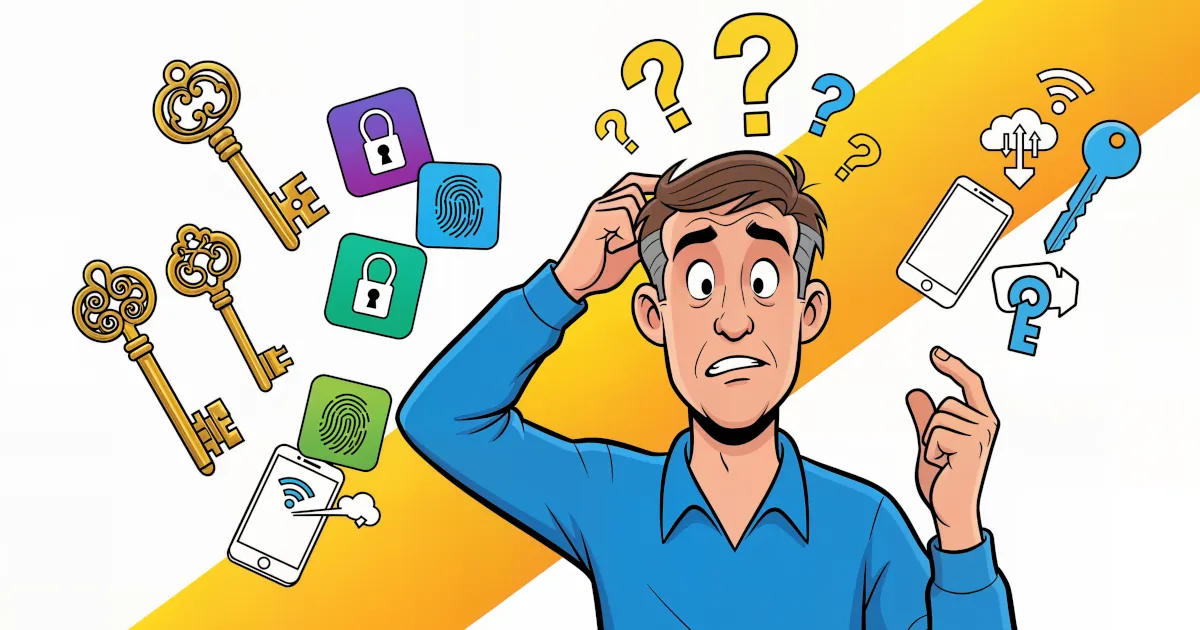
Modern managers offer biometric login (like fingerprint or face recognition) and two-factor authentication (2FA) for extra layers of protection. Think of it like a security system with retina scans and voice recognition — high-tech stuff for your email and Instagram.
What Features Should You Look For?
Not all password managers are created equal. When choosing one, look for these key features:
- Cross-platform support: Works on PC, Mac, iOS, Android, etc.
- Password generator: Creates strong, unique passwords for each account.
- Secure sharing: Lets you share specific login details without sending passwords via text/email.
- Auto-fill: Makes logging in to websites and apps super easy.
- Dark web monitoring: Alerts you if your passwords are floating around the shady parts of the internet (creepy, but useful).
Why You Should Use a Password Manager (Like, Right Now)
Let’s recap the major benefits of password managers, all in one friendly list:
1. No More Forgotten Passwords
Because memorizing “BlueTiger!47#&” is not fun.
2. Maximum Security Across All Accounts
Each login gets a unique, ultra-strong password. If one account gets hacked, your others stay safe.
3. Easy Access
Log into your accounts with one click from your phone, laptop, or even your smart fridge (okay, maybe not that last one… yet).
4. Time Saver
Less resetting. Less security panic. More chill time.
5. Peace of Mind
You’ve taken a huge step toward securing your digital identity — that’s a pretty big deal!
But Wait… Are Password Managers Really Safe?
This is a fair question! You might be thinking: “Wait, what if someone hacks the password manager itself?”
That’s where encryption and zero-knowledge architecture become game-changers. Even in the (extremely rare) case of a breach, your encrypted data is useless without your master password — and no one, not even the company, knows that.
Remember: your master password should be strong and unique. Avoid using birthdays, pet names, or “letmein”.
Tip: Create a passphrase like “RedPizza@MoonDance2024!”, or better yet, use the manager's generator tool and just commit your master password to memory.
Getting Started Is Easy!
Here’s how to start using a password manager today:
- Pick one from our reviews.
- Download the app on your devices.
- Create your master password — make it strong and memorable.
- Import or add your passwords (some can even scan your browser and import them automatically!).
- Enable 2FA for extra security.
- Relax, knowing your data is protected.
Seriously, it’s life-changing.
Final Thoughts
Using a password manager is one of the easiest and smartest things you can do to protect your digital life. It’s like wearing a seatbelt on the internet — simple, effective, and kinda necessary.
Stop juggling sticky notes, forgotten logins, and weak passwords. Embrace the age of secure simplicity.
And hey — if you like breaking down digital security in easy steps like this, subscribe to our channel for more guides, tips, and the occasional geek-out moment.
Stay safe out there!