
Password Manager Security: Encryption Explained Simply
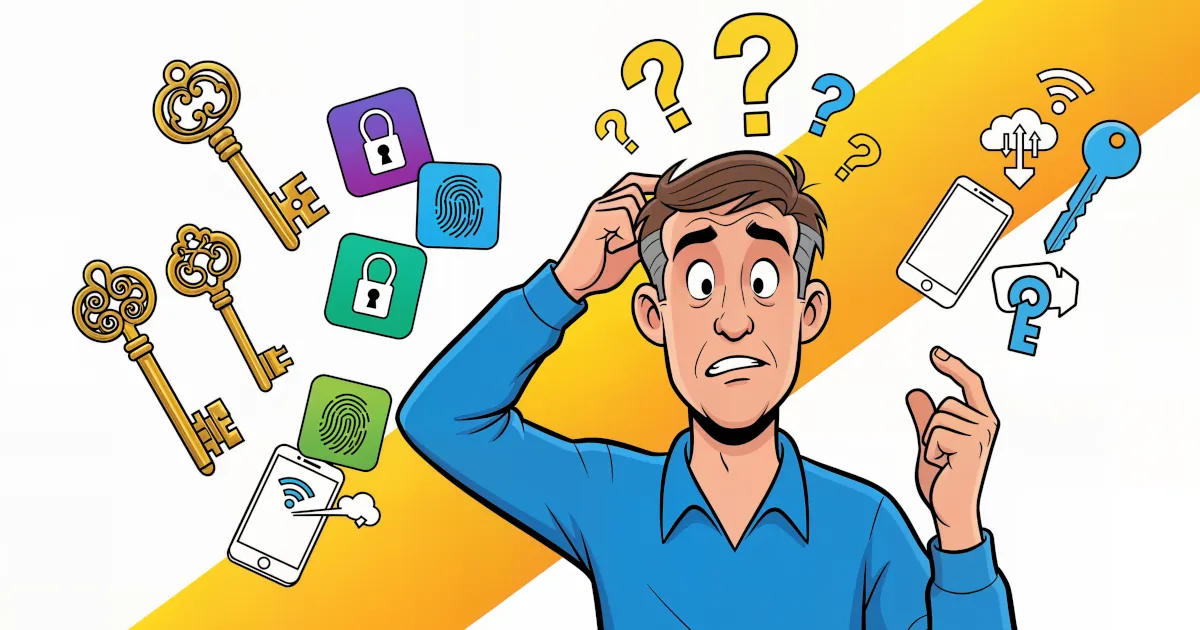
If the word “encryption” makes your brain want to check out, you’re not alone. It sounds like something only hackers in hoodies and government agencies deal with.
But if you use a password manager (or you’re thinking about it), encryption is the main reason it’s safe to store all your logins in one place. Let’s break it down in plain English so you actually understand what’s going on behind the scenes—and why you should use a password manager.
What is encryption, really?
Imagine you write your Netflix password on a postcard and drop it in the mail. Anyone who handles that postcard can read it. That’s data without encryption.
Now imagine instead that your message is written in a secret code that only you and Netflix understand. Anyone else who sees the postcard just sees nonsense. That’s data with encryption.
Encryption is just:
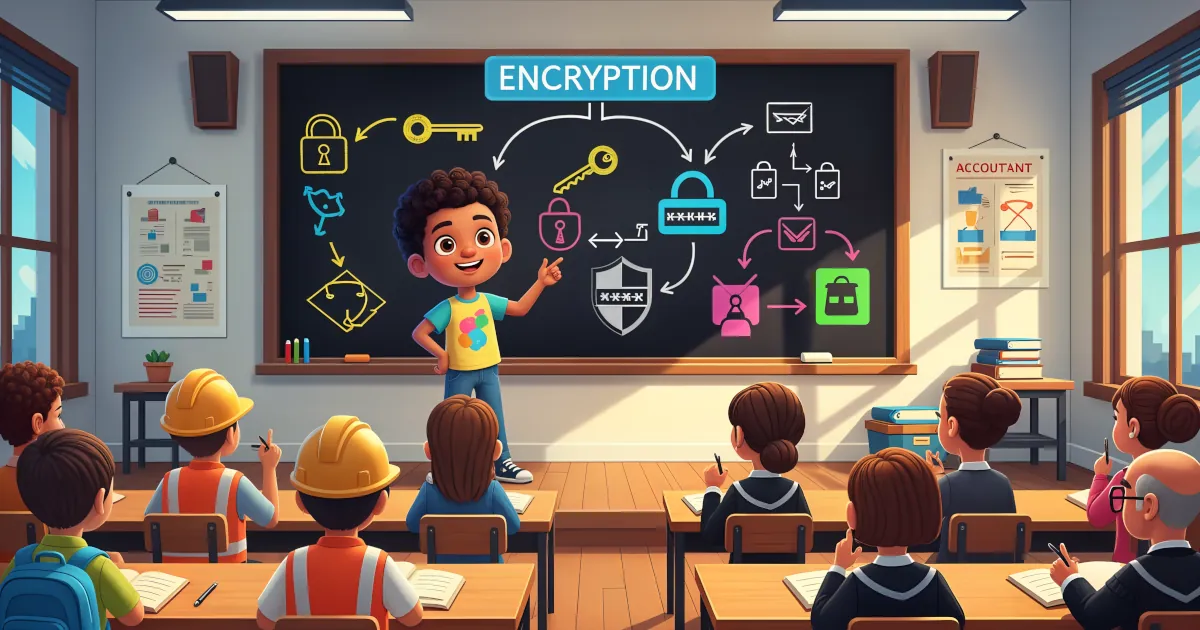
Turning readable information into unreadable nonsense, which only someone with the right “key” can turn back into something useful.
No magic. No sci-fi. Just very smart math that scrambles your data in a way that’s practically impossible to reverse without the key.
How a password manager actually uses encryption
Let’s say you install a password manager and create your “master password.” Here’s the simple version of what happens behind the curtain:
You choose a master password
This is the one password you need to remember. It should be long and unique.Your master password creates an encryption key
The app uses your master password to create a key.
Think of this key like a super complex secret code that only your master password can generate.Your passwords are locked with that key
All your logins and notes get scrambled—encrypted—using this key.
Without it, your vault is just digital gibberish.The company never sees your master password
This is essential. Good password managers use zero-knowledge design:- They don’t know your master password
- They don’t store it
- They can’t see your vault contents
So even if someone hacked the password manager’s servers and stole all the vaults, all they’d get is encrypted noise. Useless without your key.
“Okay, but how strong is this encryption really?”
Most reputable password managers use something like AES‑256 encryption. You’ll see that term a lot, so here’s the simple version:
- AES: A widely trusted encryption standard, used by banks, governments, and big tech
- 256-bit: Refers to how long the key is; longer = harder to crack
Trying to brute force AES‑256 (guessing every possible key) with current technology would take longer than the age of the universe. In other words, attackers don’t “decrypt” this; they go after weaker targets, like:
- Reused passwords
- Easy-to-guess passwords
- Phishing (tricking you into giving your password away)
- Unlocked devices
That’s why you are usually the weakest link, not the math.
Why should you use a password manager?
Let’s connect the dots: how does all this encryption stuff actually help you in daily life?
1. You stop reusing passwords everywhere
Be honest: have you ever reused the same password on multiple sites?
Password managers let you:
- Generate long, random, unique passwords for every site
- Never have to remember them
- Auto-fill them when you log in
Benefit: If one site is breached, attackers don’t automatically get into everything else.
2. Your “password brain” gets outsourced safely
Without a password manager, you either:
- Use weak passwords you can remember
- Or forget strong passwords and reset them constantly
With a password manager, your encrypted vault becomes your external brain. As long as your master password is strong and your device is secure, your logins are safer there than in:
- Notes apps
- Email drafts
- Spreadsheets
- Your actual brain
Benefit: Less stress, fewer lockouts, better security.
3. You’re protected even if the company is hacked
This is where encryption really earns its keep.
If a password manager is doing things right:
- Your vault is encrypted on your device
- Only the encrypted version is stored on their servers
- Your master password never leaves your device
So even if someone breaks into the company’s systems and steals all the vaults:
- They get unreadable data
- They can’t “log in” as you
- They can’t view your passwords
Benefit: You’re not betting your entire digital life on a company never getting hacked; you’re betting on very strong encryption.
4. It makes safe habits the easy default
Security usually fails when it’s annoying.
Password managers make the secure way the convenient way:
- Auto-filling instead of typing passwords into fake sites helps you avoid phishing
- Built-in security checks can warn you about:
- Weak passwords
- Reused passwords
- Known data breaches on sites you use
Benefit: You get better security without trying harder.
What about the master password—what if someone gets that?
This is the one big “if.” If someone gets your master password, they can unlock your vault. That’s why you need two more layers of defense:
1. Use a strong, memorable master password
Tips:
- Make it a long passphrase, not a short random mess
Example:correct horse battery staple sushi - Don’t reuse it anywhere else
- Don’t write it in plain text where someone can easily find it
Your master password doesn’t need to be impossible to type; it just needs to be long and unique.
2. Turn on two-factor authentication (2FA)
2FA means:
Even if someone knows your password, they still need a second proof it’s you.
Common methods:
- An authenticator app (like Google Authenticator, Authy, etc.)
- A hardware security key
- One-time codes
Enable 2FA for:
- Your password manager account
- Your email account (because password resets go there)
- Banking and other critical services
Benefit: A stolen master password alone isn’t enough for someone to get into your vault.
Is a password manager perfect security?
No system is perfect. But compared to the usual alternatives—reuse, weak passwords, notes applications, or your memory—password managers are a massive upgrade.
You should use a password manager because:
- It uses strong encryption to protect your passwords
- Breaches of the service don’t automatically expose your logins
- It makes unique, strong passwords actually realistic
- It reduces your chances of getting hacked due to human error
Most hacks don’t look like movie scenes with green code raining down from the ceiling. They look like:
- “Your account has been locked, click here to reset your password”
- “We detected unusual activity—log in now”
- The same old password you used on 10 sites showing up in a data leak
A password manager can’t fix everything, but it makes all of those attacks harder to pull off.
Quick checklist to stay safe with a password manager
- Choose a reputable password manager with strong, audited encryption
- Create a long, unique master password (passphrase style)
- Turn on two-factor authentication
- Let it generate unique passwords for every site
- Don’t store your master password in plain text anywhere easy to access
- Keep your devices locked and updated
Do these, and you’re using encryption the way it’s meant to be used: quietly, in the background, doing the heavy lifting so you don’t have to.