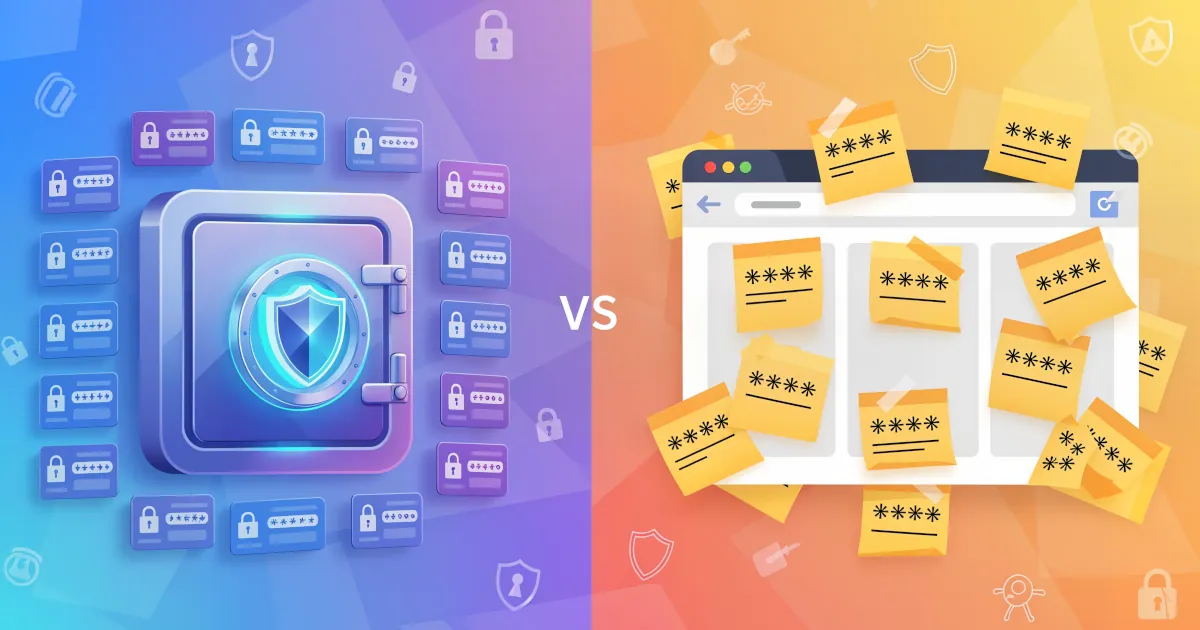
Password Manager vs Browser Autofill
Let’s break down why a password manager is usually the smarter choice, especially if you care about your accounts, your money, and your sanity.
 Emma Rodriguez
5 min read
Password manager from the NordVPN team using XChaCha20 encryption, with breach scanning, email masking, and passkey support.
NordPass is the password-manager arm of Nord Security, and it makes a few unusual technical choices. The vault is built on XChaCha20 rather than the more common AES-256 — a cipher that runs faster on devices without AES hardware acceleration, and which is more forgiving of nonce-reuse implementation mistakes.
Independent auditor Cure53 has reviewed NordPass twice, in 2020 and again in 2024, covering the cryptographic foundation, source code, desktop apps, browser extensions and mobile apps. All flagged issues were patched and re-verified. The Business edition holds both SOC 2 Type 2 attestation and ISO/IEC 27001:2022 certification, which is a compliance combination rivals like Dashlane have not published.
Pricing is aggressive. The Family plan covers six separate vaults with full Premium features, and at the two-year promotional price of $2.79 a month total, the per-person cost works out to around $0.47 a month — the lowest-priced household tier in the category. Reviewers consistently single out the Data Breach Scanner for automatic continuous monitoring of leaked credentials, real-time passkey support, and Email Masking, which lets you hide your primary inbox at signup.
Capterra's 39 verified business reviewers rate NordPass Business 4.5 out of 5, praising the clean interface, multi-factor authentication and cross-device sync. The rough edges are concentrated on the free tier and the user experience. The free plan is locked to a single active session, so switching between phone and laptop logs the other device out — friction that turns up in nearly every independent review.
Autofill misfires are the most-cited everyday complaint on G2 and Capterra: the icon obscures input fields, sometimes fails to save credentials, and mobile-app autofill is weaker than browser autofill. The Data Breach Scanner identifies leaked credentials but rarely surfaces the breach origin when data appears in dark-web collections, which limits follow-up action.
Emergency Access is mobile-only — desktop and web users cannot delegate access to a trusted contact, an awkward gap for desktop-first households. A couple of organisational notes for completeness. Refunds are not automatic on cancellation; users must contact support within 30 days (14 days for Business), and Trustpilot logs cases of refund refusals minutes after purchase.
Parent Nord Security also disclosed a 2018 NordVPN datacenter intrusion (revealed in 2019), which did not affect password vaults but sits on the corporate group's record and is fair to weigh. For households that want strong cryptography at a low price, NordPass is the leading value option.
Encryption standard for stored passwords
Monitors for compromised passwords
Support for 2FA/MFA security
Support for fingerprint and face recognition
Provider cannot access your master password
Regular third-party security audits
Notifications when accounts are compromised
Offers a free tier with basic features
Available support channels
Built-in strong password generator
Ability to securely share passwords with others
Grant emergency access to trusted contacts
Checks for weak or reused passwords
Store encrypted notes and documents
Auto-fills credit cards and personal info
Granular control over shared items
Access passwords without internet
Store encrypted files and documents
Temporarily remove sensitive data
Syncs passwords across all devices
Supported web browsers
Let’s break down why a password manager is usually the smarter choice, especially if you care about your accounts, your money, and your sanity.
Emma Rodriguez
Sharing passwords by text, email, or sticky notes is pretty much like taping your house keys to the front door and hoping no one notices. It might work today… until it very much doesn’t.
Emma Rodriguez
We're diving deep into why unique passwords really matter and just how easy it can be to manage them.
 Sarah Mitchell
Password manager with a strong family/team focus. Travel Mode hides vaults at borders. Two-secret encryption combines password + device-side Secret Key.

Password manager that bundles a VPN, dark-web monitoring, and a passwordless login flow. AES-256, zero-knowledge architecture.

Password manager known for handling complex form-filling — long-running product, AES-256, supports unlimited passwords.

Detailed feature analysis, performance benchmarks, and pricing comparison


Security protocols, server networks, and streaming capabilities compared

Speed tests, privacy policies, and user experience evaluation