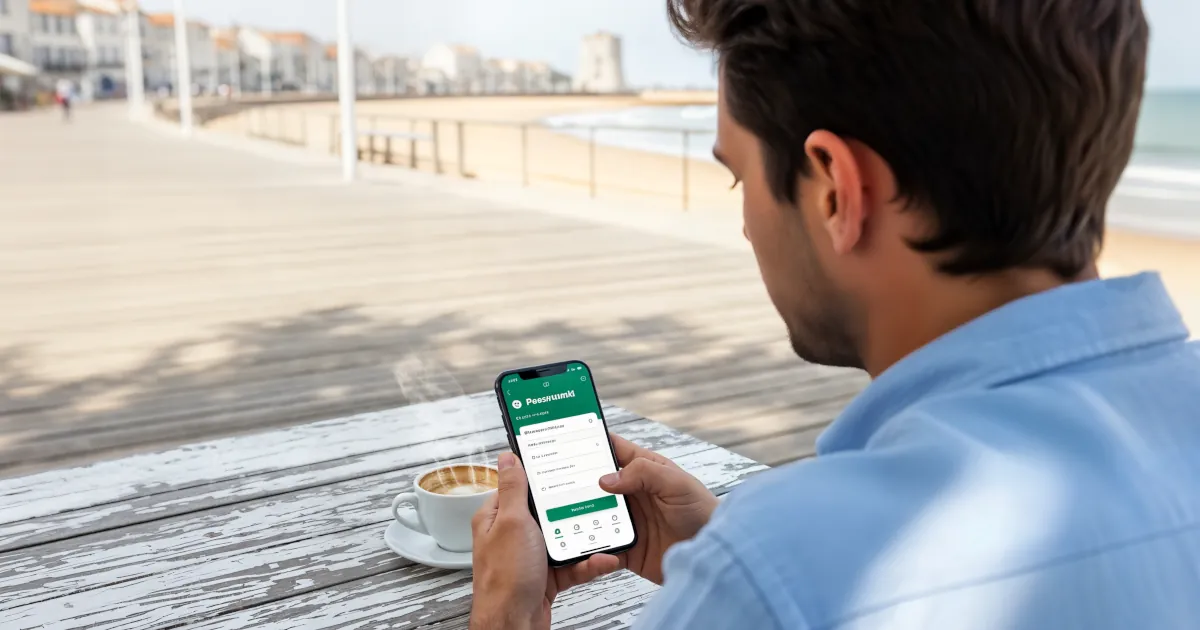
Password Manager Myths Debunked
If you’ve ever thought “I don’t trust password managers” while reusing the same three passwords everywhere… this one’s for you.
 Sarah Mitchell
6 min read
Password manager that lets you choose where the vault lives — your own cloud (Dropbox, iCloud, OneDrive, WebDAV) or local-only.
Enpass takes a different architectural bet from most of the password-manager category. Instead of running a hosted vault on the vendor's servers, it keeps the encrypted database on your own device and lets you sync it through iCloud, Google Drive, OneDrive, Dropbox or WebDAX if you want it on more than one machine.
Enpass itself never sees the data. For users who actively prefer not to trust a centralised provider with their credentials, that offline-first model is the reason to look at the product in the first place. The commercial model leans into the same independence.
The current 3-year plan is a $49.99 one-off, and the historical lifetime licence retained appeal for buyers who simply refuse recurring billing. The free desktop tier carries unlimited passwords, so trialling on a primary computer is straightforward, and a Cure53 audit completed in May 2023 reported no critical security vulnerabilities.
Enpass also holds ISO 27001:2022 certification and a SOC 2 Type II attestation, which together cover most of what a privacy-focused individual buyer is likely to check before committing. Under the hood the cryptography is conservative and well documented. The local vault uses AES-256 encryption with 320,000 rounds of PBKDF2-HMAC-SHA512, and biometric unlock with Face ID or fingerprint is available on iOS and Android.
G2's 4.6 out of 5 score and Capterra's 4.7 ease-of-use rating both line up with the offline-first pitch: reviewers consistently single out flexible sync and the zero-knowledge model as the main reasons they stay. The weaknesses cluster around features that hosted platforms get for free. The master account has no built-in two-factor authentication of its own; Enpass argues that the offline architecture makes traditional 2FA less relevant, but the workaround feels unnecessarily complicated to some reviewers.
The mobile free tier is capped at 25 entries, which Experte.com calls fairly useless without paying. Browser-extension reliability is a recurring complaint, especially on Windows where users report the extension failing to connect until a browser relaunch, and autofill misses fields outside standard web forms.
Password sharing exports in plain text by default unless a pre-shared key is configured, and there is no emergency access, no dark-web monitoring and customer support is limited to email and a knowledge base. Our read is that Enpass fits users who want strong cryptography, a one-time purchase option and full control over where their vault lives, and who are willing to handle a few rough edges to get there.
Buyers who want a polished, fully managed experience with 24/7 support and dark-web alerts out of the box will likely prefer one of the hosted platforms.
Encryption standard for stored passwords
Provider cannot access your master password
Support for 2FA/MFA security
Support for fingerprint and face recognition
Regular third-party security audits
Monitors for compromised passwords
Notifications when accounts are compromised
Access passwords without internet
Built-in strong password generator
Ability to securely share passwords with others
Grant emergency access to trusted contacts
Checks for weak or reused passwords
Store encrypted notes and documents
Auto-fills credit cards and personal info
Granular control over shared items
Store encrypted files and documents
Temporarily remove sensitive data
Syncs passwords across all devices
Supported web browsers
Available support channels
Offers a free tier with basic features
If you’ve ever thought “I don’t trust password managers” while reusing the same three passwords everywhere… this one’s for you.
Sarah Mitchell
We're diving deep into why unique passwords really matter and just how easy it can be to manage them.
Sarah Mitchell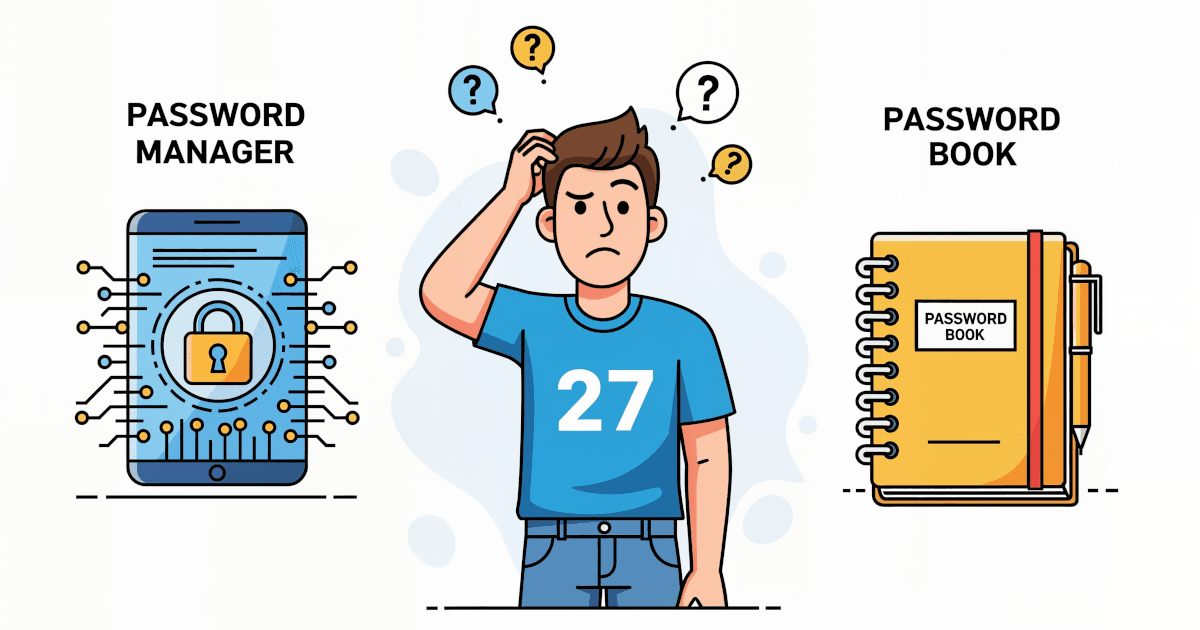
In this guide, we’re diving headfirst into the showdown of the century: Password Managers vs Password Books. One is high-tech, the other old-school.
Sarah Mitchell
Password manager that bundles a VPN, dark-web monitoring, and a passwordless login flow. AES-256, zero-knowledge architecture.

Password manager from the NordVPN team using XChaCha20 encryption, with breach scanning, email masking, and passkey support.

Password manager known for handling complex form-filling — long-running product, AES-256, supports unlimited passwords.

Detailed feature analysis, performance benchmarks, and pricing comparison


Security protocols, server networks, and streaming capabilities compared

Speed tests, privacy policies, and user experience evaluation