
How to Use a Password Manager Step by Step
Let’s walk through exactly how to use a password manager step by step, in plain English, no tech degree required.
 David Chen
6 min read

Author
Covers encryption, breach history and licence terms across VPNs, password managers and AI image tools, summarising what independent reviewers report.
Let’s walk through exactly how to use a password manager step by step, in plain English, no tech degree required.
David Chen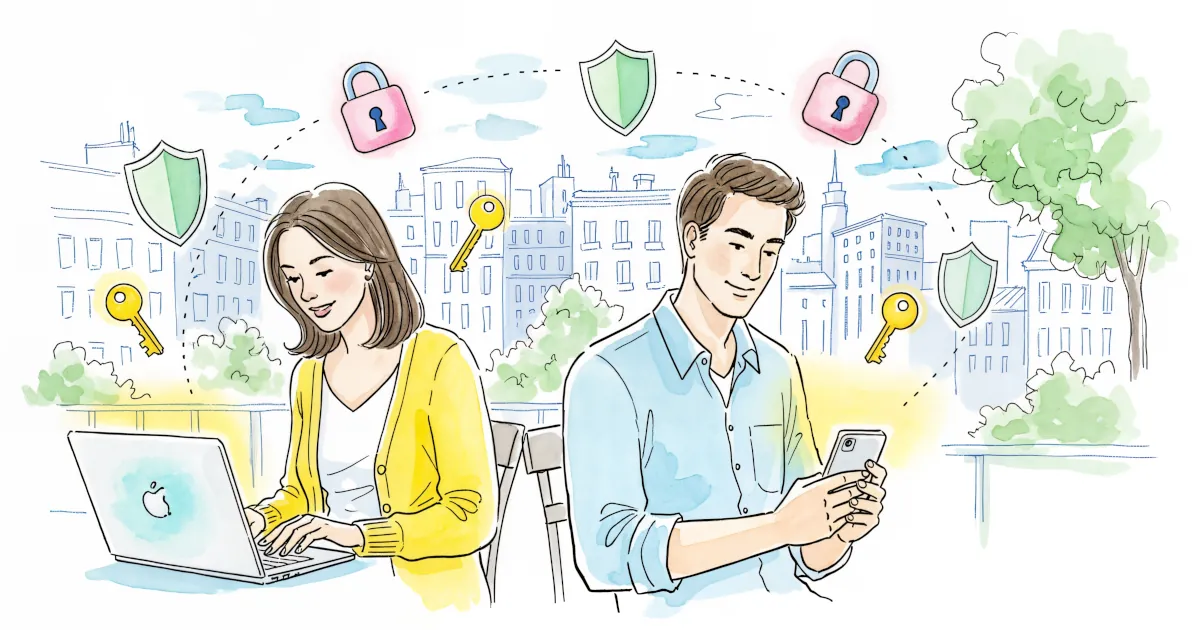
We all know we should use strong, unique passwords for every account. We also know almost nobody actually does that without help.
David Chen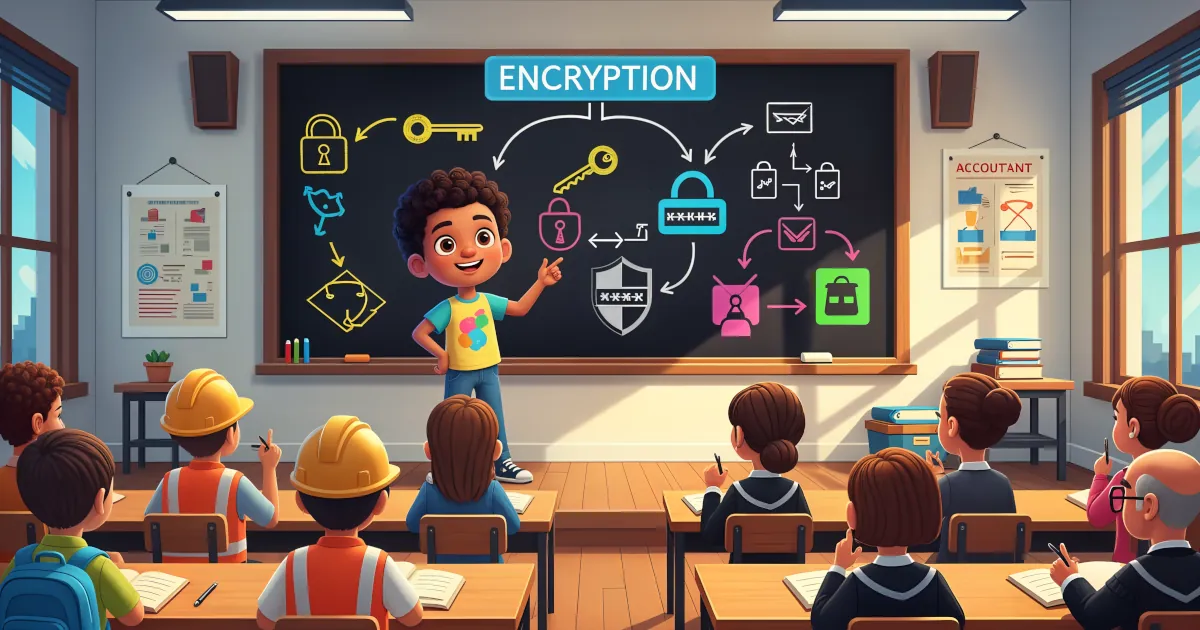
If the word “encryption” makes your brain want to check out, you’re not alone. It sounds like something only hackers in hoodies and government agencies deal with.
David Chen
If you use a password manager (and you really should), there’s one password that rules them all: your master password.
David Chen
If you’re finally using a password manager: excellent choice. Strong, unique passwords for every account is one of the best things you can do for your security.
David Chen
Phishing is the online version of someone calling you, pretending to be your bank, and asking for your PIN “for security reasons.” You’d hang up in real life. But online? People fall for it every day.
David Chen
If you’re still using the same password for multiple accounts… it’s time for an intervention.
David Chen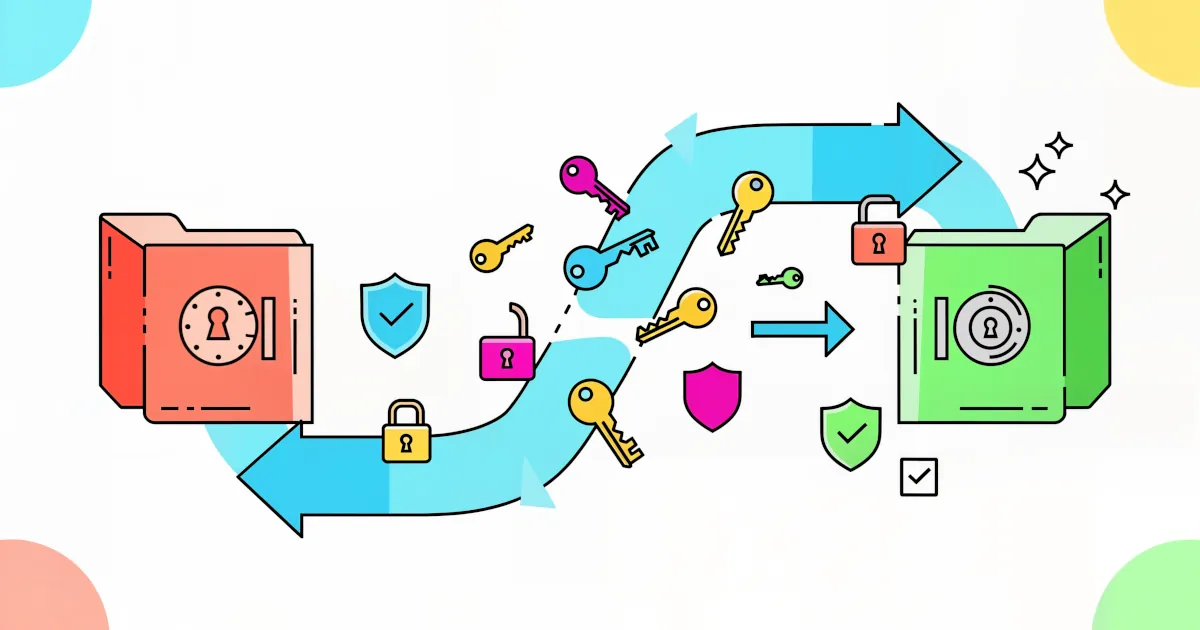
Thinking about switching password managers but dreading the chaos? Totally understandable. Moving hundreds of logins, 2FA codes, secure notes, and maybe even payment info can sound like a nightmare.
David Chen
Discover how password managers encrypt and protect your info. Learn about encryption, zero-knowledge architecture, and security features.
David Chen