
How to Create a Master Password You’ll Remember
If you use a password manager (and you really should), there’s one password that rules them all: your master password.
 David Chen
5 min read
Team-only password manager: shared credentials with role-based access, SOC 2 Type II audited, and per-seat pricing.
We read TeamPassword as a focused team-credential tool, and the product makes no secret of that scope. It targets small marketing agencies, dev teams and client-service businesses that need to share logins without standing up an enterprise privileged-access programme. Capterra reviewers report 4.8 out of 5 across 75 verified reviews, with secure password-sharing across teams and groups singled out as the core strength.
G2 users echo that, calling out a complete activity log and audit trail that shows who accessed which credential and when, which supports SOC 2 and ISO 27001 evidence-gathering for small teams. The security model is conventional and competent. Reviewers report AES-256 encryption with role-based access control and granular group permissions per project or client.
A built-in TOTP authenticator handles two-factor codes inside the same vault, and admins can enforce 2FA across the whole organisation using app-based MFA rather than email. GetApp users highlight one-time secret sharing on the Enterprise tier for handing credentials to external contractors without giving them permanent vault access.
Software Advice reviewers note the Chrome extension, autofill and site detection make daily use friction-free. Pricing is where the trade-off becomes structural. TeamPassword charges $2.41 to $5.30 per user per month on annual billing, with a three-user minimum.
That model compounds quickly compared with a single-vault consumer product, and a five-seat agency on the higher tier is paying more than most family plans for the year. We think the per-user economics line up best with teams that already need shared logins and an audit log. The gaps tell you what TeamPassword is not.
G2 users cite no advanced PAM, no compliance reporting and no enterprise-grade auditing beyond the basic activity log, which rules it out for regulated industries that need session recording or break-glass workflows. There are no consumer features either: no dark-web monitoring, no breach alerts, no emergency access, no offline mode and no standalone desktop application.
GetApp reviewers note mobile app limitations and limited support for non-web passwords such as desktop apps, SSH keys and server credentials. G2 reviewers also cite frequent re-authentication and autofill failures, and Capterra reviewers report application crashes when referencing multiple pages during credential entry, plus no account recovery if master credentials are lost.
Our read: TeamPassword does one job well, which is shared credential storage with an audit trail for small teams that need to demonstrate basic controls. If you also want personal vault features, dark-web monitoring or PAM-grade controls, you will outgrow it quickly and the per-user pricing will sting on the way out.
Encryption standard for stored passwords
Support for 2FA/MFA security
Support for fingerprint and face recognition
Provider cannot access your master password
Regular third-party security audits
Monitors for compromised passwords
Notifications when accounts are compromised
Ability to securely share passwords with others
Built-in strong password generator
Grant emergency access to trusted contacts
Checks for weak or reused passwords
Store encrypted notes and documents
Auto-fills credit cards and personal info
Granular control over shared items
Access passwords without internet
Store encrypted files and documents
Temporarily remove sensitive data
Supported web browsers
Syncs passwords across all devices
Available support channels
Offers a free tier with basic features
If you use a password manager (and you really should), there’s one password that rules them all: your master password.
David Chen
If you’re finally using a password manager: excellent choice. Strong, unique passwords for every account is one of the best things you can do for your security.
David Chen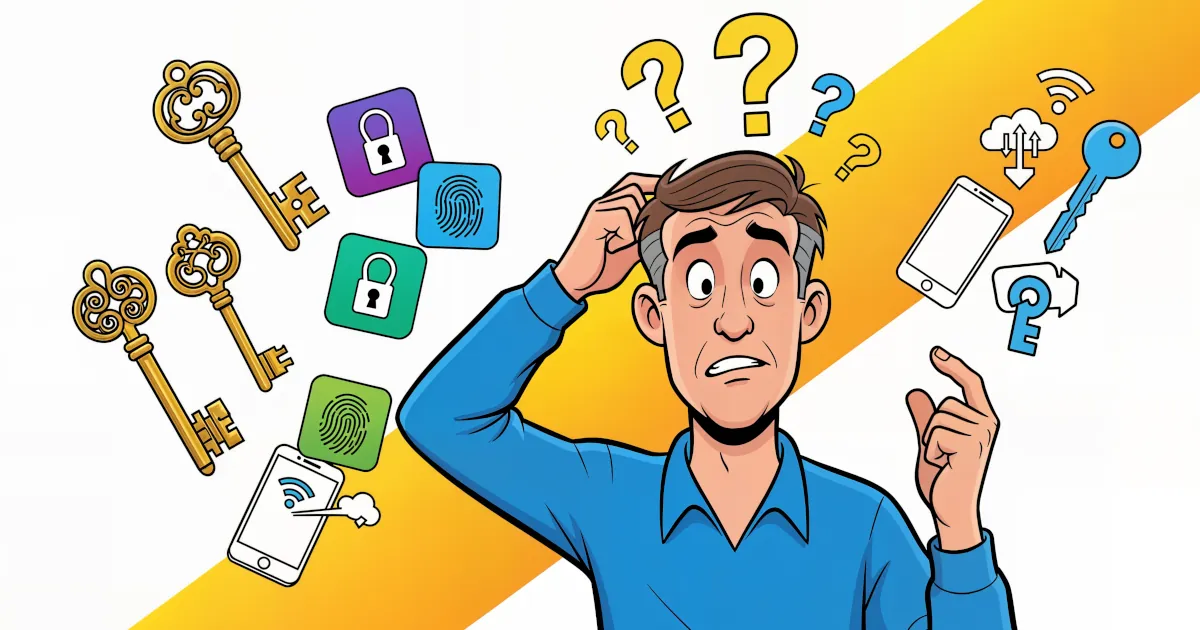
Passwords have had a good run… and a terrible one. You forget them. Sites make you add symbols, numbers, ancient runes. Then they get leaked in a data breach anyway.
 Emma Rodriguez
Password manager that bundles a VPN, dark-web monitoring, and a passwordless login flow. AES-256, zero-knowledge architecture.

Password manager from the NordVPN team using XChaCha20 encryption, with breach scanning, email masking, and passkey support.

Password manager known for handling complex form-filling — long-running product, AES-256, supports unlimited passwords.


Detailed feature analysis, performance benchmarks, and pricing comparison
Security protocols, server networks, and streaming capabilities compared

Speed tests, privacy policies, and user experience evaluation