
How to Create a Master Password You’ll Remember
If you use a password manager (and you really should), there’s one password that rules them all: your master password.
 David Chen
5 min read
Password manager from the Proton team. Built-in hide-my-email aliases, integrated 2FA codes, and passkey support.
We see Proton Pass as the privacy-first choice among current password managers, and the engineering decisions back that up. Proton runs its servers in Switzerland, a jurisdiction that sits outside the 5, 9 and 14 Eyes intelligence-sharing alliances and applies strict data-protection law to vault contents.
For readers who care where their secrets physically live, that legal posture matters more than most marketing claims. The cryptographic model is conservative in the right places. Every field is encrypted client-side with AES-256-GCM, including item titles, URLs and metadata that some rival managers still leave in clear on the server.
Cure53 audited the implementation, the client source ships under GPLv3, and the architecture means Proton itself cannot read what you store. That host-proof guarantee is the foundation everything else builds on. The free tier is where Proton Pass separates from the pack.
You get unlimited logins on unlimited devices, integrated passkey support and ten hide-my-email aliases powered by SimpleLogin. Aliases generate per-service forwarding addresses you can disable to cut off spam or breached-list traffic without changing the underlying inbox. We think that combination, on a no-cost plan, is harder to match than the headline pricing suggests.
For households, the Pass Family plan covers six accounts at roughly $4.99 a month on annual billing. Each member keeps a separate vault, dark-web monitoring and Proton Sentinel takeover-protection. Browser extensions ship for Chrome, Firefox, Safari, Edge and Brave with consistent autofill behaviour, and the mobile clients offer near feature parity with desktop.
Day-to-day friction is low. The trade-offs are real but contained. Support is email-only with no live chat, which can frustrate paying customers stuck on edge cases.
Autofill occasionally stumbles on multi-step logins and a few mobile sites. The business-tier admin console is still maturing compared with 1Password or Keeper, and emergency access for trusted contacts is not yet offered. The last publicly published Cure53 audit dates to 2023, where peers such as Bitwarden are now releasing annual third-party reports.
Our view is that Proton Pass earns its place on privacy posture, audited cryptography and a free tier that includes aliases and passkeys. If you want a manager that takes jurisdiction seriously and you can live without emergency access and a deeper admin layer, it lines up well against the field.
Encryption standard for stored passwords
Provider cannot access your master password
Support for 2FA/MFA security
Support for fingerprint and face recognition
Regular third-party security audits
Monitors for compromised passwords
Notifications when accounts are compromised
Offers a free tier with basic features
Available support channels
Built-in strong password generator
Ability to securely share passwords with others
Grant emergency access to trusted contacts
Checks for weak or reused passwords
Store encrypted notes and documents
Auto-fills credit cards and personal info
Granular control over shared items
Access passwords without internet
Store encrypted files and documents
Temporarily remove sensitive data
Syncs passwords across all devices
Supported web browsers
If you use a password manager (and you really should), there’s one password that rules them all: your master password.
David Chen
If you’re finally using a password manager: excellent choice. Strong, unique passwords for every account is one of the best things you can do for your security.
David Chen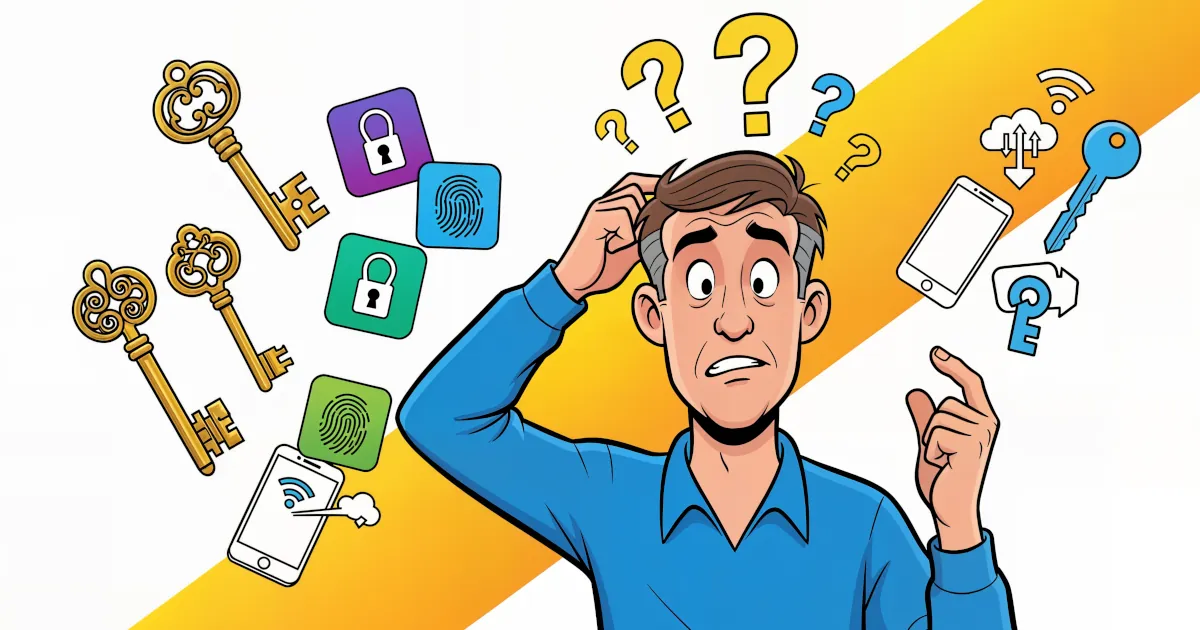
Passwords have had a good run… and a terrible one. You forget them. Sites make you add symbols, numbers, ancient runes. Then they get leaked in a data breach anyway.
 Emma Rodriguez
Password manager that bundles a VPN, dark-web monitoring, and a passwordless login flow. AES-256, zero-knowledge architecture.

Password manager from the NordVPN team using XChaCha20 encryption, with breach scanning, email masking, and passkey support.

Password manager known for handling complex form-filling — long-running product, AES-256, supports unlimited passwords.
Detailed feature analysis, performance benchmarks, and pricing comparison
Security protocols, server networks, and streaming capabilities compared
Speed tests, privacy policies, and user experience evaluation