
How to Create a Master Password You’ll Remember
If you use a password manager (and you really should), there’s one password that rules them all: your master password.
 David Chen
5 min read
Enterprise-focused password manager with secure file storage, BreachWatch dark-web monitoring, and SCIM/SSO for teams.
Keeper Security leans hardest on its audit footprint, and the case for it largely lives or dies on that ground. The platform holds FedRAMP High Authorization (December 2025) on top of long-standing FedRAMP Moderate, SOC 2 Type II for more than a decade, SOC 3, ISO 27001, 27017 and 27018, plus FIPS 140-3 validation.
For password managers, that is an unusually deep certification stack, and it is the reason Keeper turns up so often in federal, healthcare and finance procurement shortlists where the buyer has to evidence controls rather than describe them. The administrative model is built around the same audience.
The Admin Console supports SAML SSO with any identity provider, SCIM 2.0 provisioning, Active Directory integration and Just-In-Time user creation with automatic role and node assignment. Role-based access control is granular, MFA enforcement and export restrictions are configurable per role, and the audit log can be aligned with NIST 800-53, HIPAA and SOC 2 reporting needs.
G2's 4.6 out of 5 score across roughly 960 reviews reflects that the controls land in practice, not only on the data sheet. Tom's Guide highlights the offline mode, which stores an encrypted local copy of the vault and keeps the product usable without network access. The trade-offs are mostly commercial.
BreachWatch, Keeper's dark-web monitoring feature, is a paid add-on at $26.99 a year for personal accounts and $53.99 for family, where RoboForm and several others fold breach scanning into the base subscription. The Family plan at $84.99 a year is also steep against 1Password Families at $60 and Bitwarden Families at $40 for six users, and How-To Geek notes there is no clear feature in the bundle that justifies the gap.
Trustpilot reviewers repeatedly flag auto-renewal charges arriving up to three weeks before the renewal date with no obvious in-app toggle, which is the sort of detail that erodes goodwill quickly. The other shadow over Keeper is older but still surfaces in community discussion. In 2017 Tavis Ormandy at Google Project Zero disclosed a browser-extension flaw, and Keeper sued Ars Technica over its coverage before later dropping the case and launching a Bugcrowd disclosure programme.
The technical issue was fixed, but the response to security press damaged trust in some communities in a way the company is still working through. Our read is that Keeper is built for buyers who need an auditable platform with strong administrative controls and are willing to pay for it. Individuals and families optimising for price, or those who want breach monitoring included by default, will find the bundle harder to justify.
Encryption standard for stored passwords
Provider cannot access your master password
Support for 2FA/MFA security
Support for fingerprint and face recognition
Regular third-party security audits
Monitors for compromised passwords
Notifications when accounts are compromised
Store encrypted files and documents
Built-in strong password generator
Ability to securely share passwords with others
Grant emergency access to trusted contacts
Checks for weak or reused passwords
Store encrypted notes and documents
Auto-fills credit cards and personal info
Granular control over shared items
Access passwords without internet
Temporarily remove sensitive data
Syncs passwords across all devices
Supported web browsers
Available support channels
Offers a free tier with basic features
If you use a password manager (and you really should), there’s one password that rules them all: your master password.
David Chen
If you’re finally using a password manager: excellent choice. Strong, unique passwords for every account is one of the best things you can do for your security.
David Chen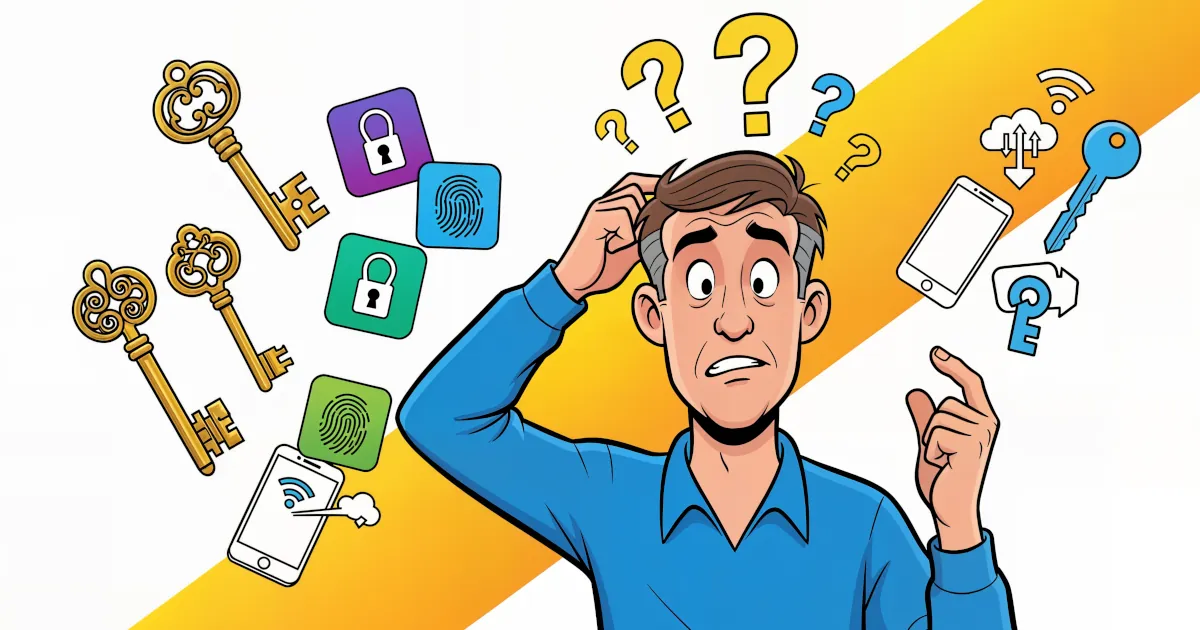
Passwords have had a good run… and a terrible one. You forget them. Sites make you add symbols, numbers, ancient runes. Then they get leaked in a data breach anyway.
 Emma Rodriguez
Password manager that bundles a VPN, dark-web monitoring, and a passwordless login flow. AES-256, zero-knowledge architecture.

Password manager from the NordVPN team using XChaCha20 encryption, with breach scanning, email masking, and passkey support.

Password manager known for handling complex form-filling — long-running product, AES-256, supports unlimited passwords.

Detailed feature analysis, performance benchmarks, and pricing comparison
Security protocols, server networks, and streaming capabilities compared
Speed tests, privacy policies, and user experience evaluation