
7 Reasons to Use a Password Manager Today
Learn why password managers are essential for online security.
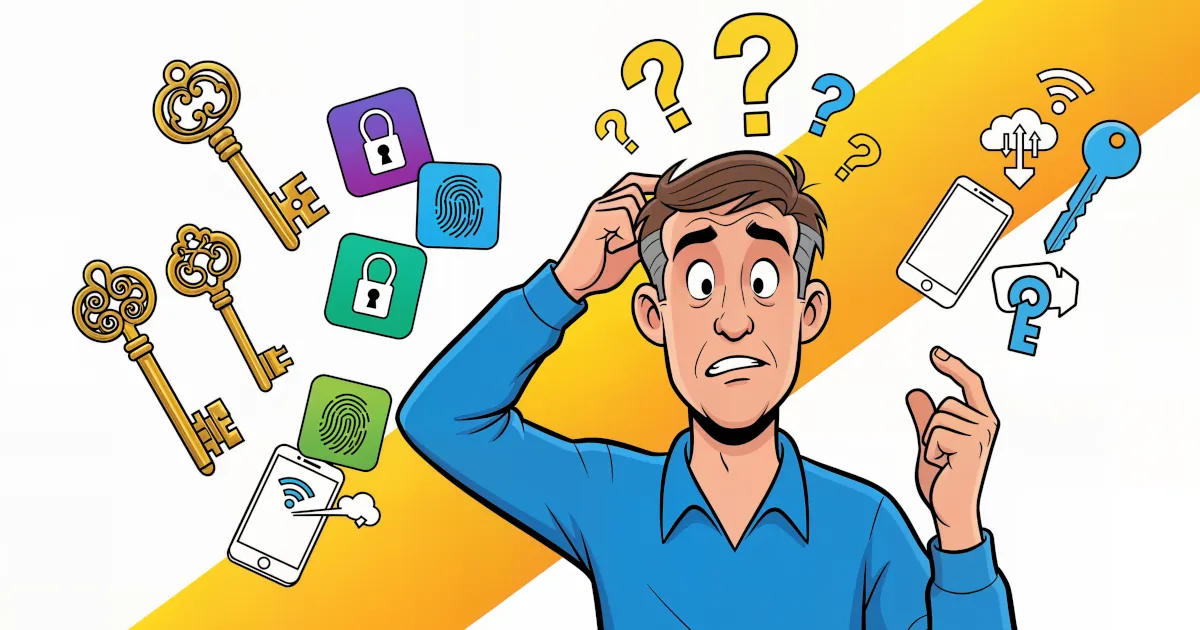
Let's be honest — most of us treat passwords the same way we treat leftovers in the fridge: we know they're important, but we keep reusing them until something starts to smell suspicious.
In a world filled with data breaches, phishing scams, and sneaky cybercriminals who seem to have nothing better to do, a password manager is one of the easiest and smartest tools you can use to stay safe online.
If you're still typing "Password123!" for your Netflix account, buckle up. Here are 7 very good reasons why you should start using a password manager today — and how it can make your digital life a whole lot easier (and safer).
1. They Keep All Your Passwords Safe in One Place
A password manager acts like a digital vault — it stores all your login details securely in one encrypted place.
Instead of remembering dozens (or hundreds) of passwords, you only need to remember one master password. That's it.
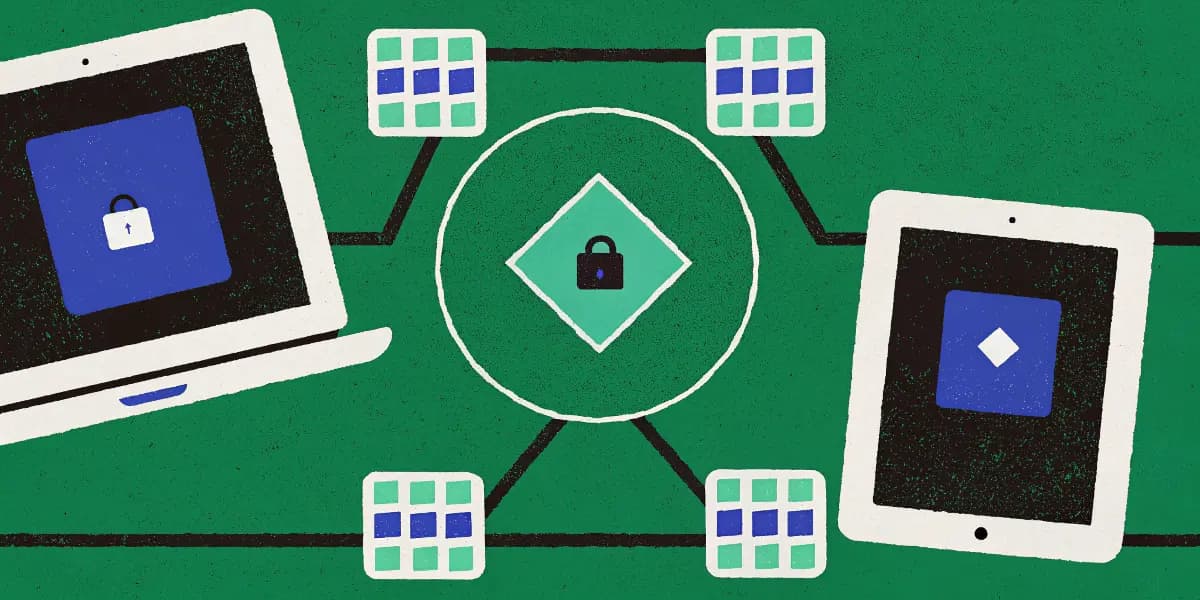
Think of it like a magical notebook that nobody else can open, not even the company that built it. The data inside your vault is protected with end-to-end encryption, meaning your passwords are encrypted on your device and can only be decrypted with your master password.
Even if hackers broke into the servers of your password manager (which, by the way, is extremely rare and tightly secured), all they'd see is a bunch of encrypted nonsense — like trying to read your diary after it's been through a blender.
Bonus keyword facts:
Most of the best password managers today — like 1Password, Bitwarden, Dashlane, and NordPass — use AES-256 bit encryption (the same standard used by governments and banks). Translation: your passwords are safer than a penguin in a snowstorm.
2. You'll Never Forget a Password Again
Raise your hand if you've ever clicked "Forgot Password" more times than you've actually logged into the site you're trying to use.
Password managers completely solve this problem.
Once you've added your credentials to your password manager, it will auto-fill them whenever you visit a saved website or app. Whether it's your email, online banking, or your favorite meme account, your password manager is always ready to help.
No more mental gymnastics. No more "Was it my cat's name or my favorite sandwich?" moments.
If you upgrade to a premium plan, your password manager can even sync across your devices — so you can log in from your phone, tablet, or computer seamlessly.
In simple terms:
A password manager remembers your passwords so you don't have to. You just log in once — and the app does the rest.
3. They Create Super-Strong, Unique Passwords Automatically
Here's something the internet never told you when you were a kid:
"Fluffy123" is not a secure password.
In fact, any password that includes your pet's name, birthday, or the word "password" might as well be an open invitation for hackers.
This is where password managers shine like a superhero in a cape made of encryption keys.
Most password managers have a built-in password generator that can instantly create long, complex, and unique passwords for each of your accounts.
You know, the kind of passwords that look like someone fell asleep on their keyboard:
kF9^s8!rP2Z@hJq0
These are nearly impossible for hackers (or humans) to guess — and since your password manager remembers them for you, you don't have to!
SEO boost:
Using strong, unique passwords for every website dramatically improves your online security and prevents credential stuffing attacks (that's when hackers use one stolen password to break into multiple accounts).
With a password manager, you can easily avoid that kind of digital domino disaster.
4. They Help You Avoid Reusing Passwords (a Major Risk)
Let's face it — we've all reused passwords. It's convenient. It's quick. It's also one of the biggest security mistakes you can make online.
Here's why: if one website gets hacked and your password leaks, that same password could give criminals access to every other account where you reused it — your email, your bank, your social media… even your precious cloud storage full of cat photos.
A password manager solves this problem by:
- Generating unique passwords for each account.
- Alerting you if you've reused a password.
- Helping you change weak or duplicate passwords quickly.
Some password managers even include dark web monitoring, which scans for leaked passwords and warns you if your data appears in a breach.
So next time you're tempted to reuse "Fluffy123" just because it's easy, remember: convenience is nice — but cybersecurity is priceless.
5. Password Managers Save You Time (and Frustration)
Imagine logging into all your favorite sites in seconds without typing a single password. Sounds like magic, right?
That's everyday life with a password manager.
Whether you're shopping online, managing business tools, or logging into streaming platforms, your password manager fills in your credentials automatically. Some can even store and auto-fill:
- Credit card details
- Addresses and forms
- Secure notes
This means fewer forms to fill, fewer typos, and a lot less time wasted trying to remember if you used an uppercase "S" or a dollar sign last time.
Plus, many password managers include browser extensions, mobile apps, and even biometric logins (like Face ID or fingerprints) — so you can unlock everything in seconds.
Fun fact:
Studies show the average person spends over 11 hours per year resetting forgotten passwords. That's almost an entire season of your favorite TV show. A password manager gives that time back.
6. They Make Online Security Simple for Everyone
Cybersecurity has a reputation for being complicated. Encryption, firewalls, two-factor authentication — it can all sound like something you need a PhD to understand.
But password managers simplify it.
They take the best security practices — like creating unique, complex passwords, encrypting data, and syncing securely — and handle them automatically, behind the scenes.
You don't need to be a tech expert. You don't even need to know what "AES-256" means (although it's cool if you do). You just log in, and your password manager does the heavy lifting.
And for families or small businesses, many password managers now include family or team plans, letting you securely share certain logins — like a Netflix account or work software — without revealing the actual password.
No more texting passwords like "tryMyPassword1!" to coworkers. (Seriously, please stop doing that.)
7. They Protect You from Phishing and Scams
You've seen it before — that email claiming your "bank account has been suspended" or that your "delivery failed." You click the link, it looks official, and before you know it, you've handed your login details to a fake website.
Password managers can help protect you from phishing attacks.
Here's how: they only auto-fill your login credentials on the exact website you've saved. If you end up on a fake site — say, "paypa1.com" instead of "paypal.com" — your password manager won't recognize it and won't fill in your credentials.
That's your digital guardian angel waving a red flag saying, "Hey, maybe don't type your password here."
Combine that with multi-factor authentication (which most password managers support), and you've built yourself an incredibly strong security wall.
Bonus: They're Easy to Start Using
If all of this sounds too good to be true, the best part is — it's incredibly easy to start.
Most password managers take less than 10 minutes to set up. Here's the usual process:
- Download a password manager (try 1Password, Bitwarden, Dashlane, or NordPass).
- Create your master password. Make it long, memorable, and unique.
- Add your accounts. Many managers can import them automatically from your browser.
- Start logging in. Sit back and enjoy your stress-free, secure logins.
Many even offer free plans or trial periods, so you can test them before committing.
And once you start using one, you'll wonder how you ever lived without it — like discovering coffee after years of herbal tea.
Common Questions About Password Managers
Are password managers safe?
Yes — reputable ones use zero-knowledge encryption, which means not even the company can see your data. Your passwords are encrypted before they ever leave your device.
What if I forget my master password?
That's the one thing you do need to remember. Most managers can't reset it for security reasons, but they often offer recovery options (like emergency kits or secure keys).
Can password managers be hacked?
Anything connected to the internet has some risk, but password managers are far more secure than reusing weak passwords across websites. Even in the rare case of a breach, your data remains encrypted and unreadable.
Should I use a free password manager?
Free versions like Bitwarden Free are excellent for personal use, but premium options add advanced features like syncing across devices, encrypted file storage, and dark web monitoring.
The Best Password Managers to Try
If you're ready to take the plunge, here are a few top password managers to consider:
| Password Manager | Best For | Notable Features |
|---|---|---|
| 1Password | Families & Teams | Excellent design, Watchtower alerts, secure sharing |
| Bitwarden | Budget Users | Open-source, free tier, strong encryption |
| Dashlane | Power Users | Built-in VPN, dark web monitoring |
| LastPass | Simplicity | Auto-fill and password recovery options |
| NordPass | Security Buffs | Zero-knowledge encryption, biometric unlock |
Each of these is easy to install, cross-platform, and regularly updated to keep up with the latest security standards.
Final Thoughts: Why You Should Start Today
The internet isn't getting safer — but your habits can get smarter.
Using a password manager isn't just about convenience; it's about taking control of your online security.
It's like hiring a digital bodyguard who never sleeps, never forgets, and never writes your password on a sticky note.
So, whether you're managing 5 accounts or 500, there's never been a better time to start using a password manager. It's simple, affordable, and one of the best ways to protect yourself in a world full of cyber surprises.
Take the First Step
- Choose a password manager.
- Set it up today — it takes minutes.
- Sit back and enjoy a safer, smoother online life.
Your future self (and your hacked-avoidance instincts) will thank you.
Remember: The best password is the one you don't have to remember — because your password manager does it for you.
Stay safe, stay secure, and for the love of cybersecurity — stop using "Fluffy123."
#PasswordManager #CyberSecurity #OnlineSafety